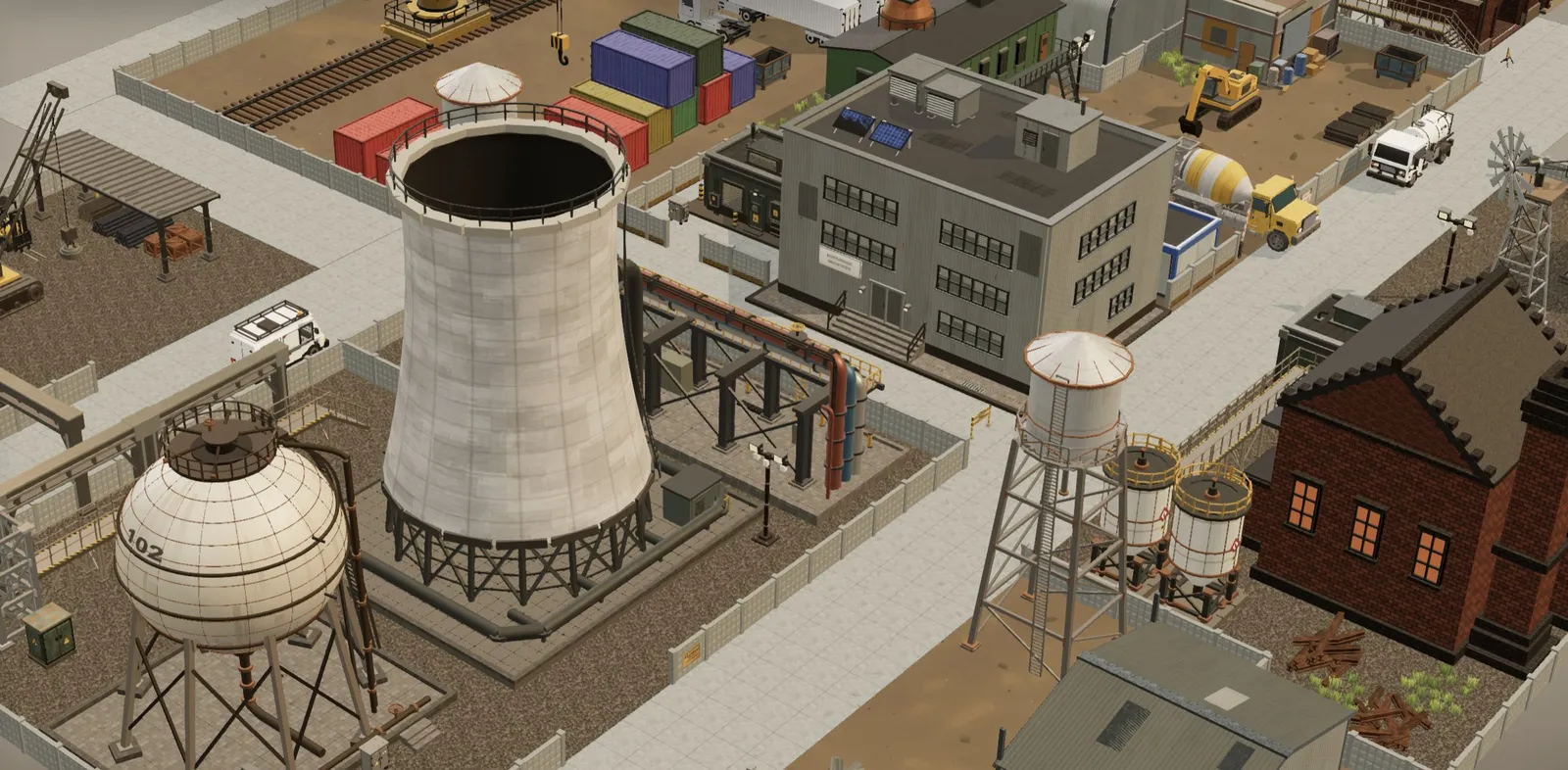
A lot of people who sink a thousand hours into Factorio eventually open a game engine and try to build their own factory game. The simulation part is the fun bit. The art is usually where it stalls: you end up with grey boxes for buildings, a cylinder for a silo, and a cube on wheels that is supposed to be a truck.
3D Asset (3d-asset.com) is a shop of modular 3D model packs, and one of them is an industrial kit with exactly the kind of things a factory prototype needs: warehouses, cooling towers, pipe racks, tanks, cranes, forklifts and semi trucks. We went through the site with that use in mind. This is not a sponsored test of every file. It is a look at what is there, what the numbers say, and where it falls short for automation games specifically.
The short version
| What we found | |
|---|---|
| Library | 10 packs, 1,240 models in total |
| Most relevant pack | Industrial: 71 models, $39 one-time |
| Format | glTF 2.0 (.glb), Draco-compressed web copy plus an uncompressed copy for Blender, Unity, Unreal and Godot |
| Scale | 1 unit = 1 metre, +Y up, pivot on the ground |
| Everything | Lifetime All Access, $95 one-time |
| Free to try | 23 sample models with a free account |
| License | Royalty-free, commercial use, no attribution; no reselling the files, no AI training |
| Main gap | No conveyor belts, assemblers or machine pieces: it is the factory site, not the factory floor |
What the site actually sells
There are ten themed packs. Four of them are life-size architecture: Brown City (brick streets and storefronts), Industrial, Suburban and Japan. Then there is Apocalyptic, a big ruined-town kit, plus Rooms (interior dioramas), two stylised kits (Tiny Cubes and Cozy Town), Blocky Characters, and Sci-Fi Vehicles.
Prices run from $13 for Rooms to $59 for Brown City; the full catalog lists every pack with its contents. Each pack is a single payment, and there is no subscription. If you want the lot, Lifetime All Access is $95 and includes every pack plus future standard ones.
The thing that sets the site apart from a typical asset store listing is that every single model has its own page with a live 3D preview, its measured size in metres, and its exact triangle, mesh, material and texture counts. You can check whether a cooling tower is 25 metres or 2.5 metres tall before paying for anything. For a factory game, where buildings sit on a grid and have to line up, that matters more than a pretty thumbnail.
The Industrial pack, up close
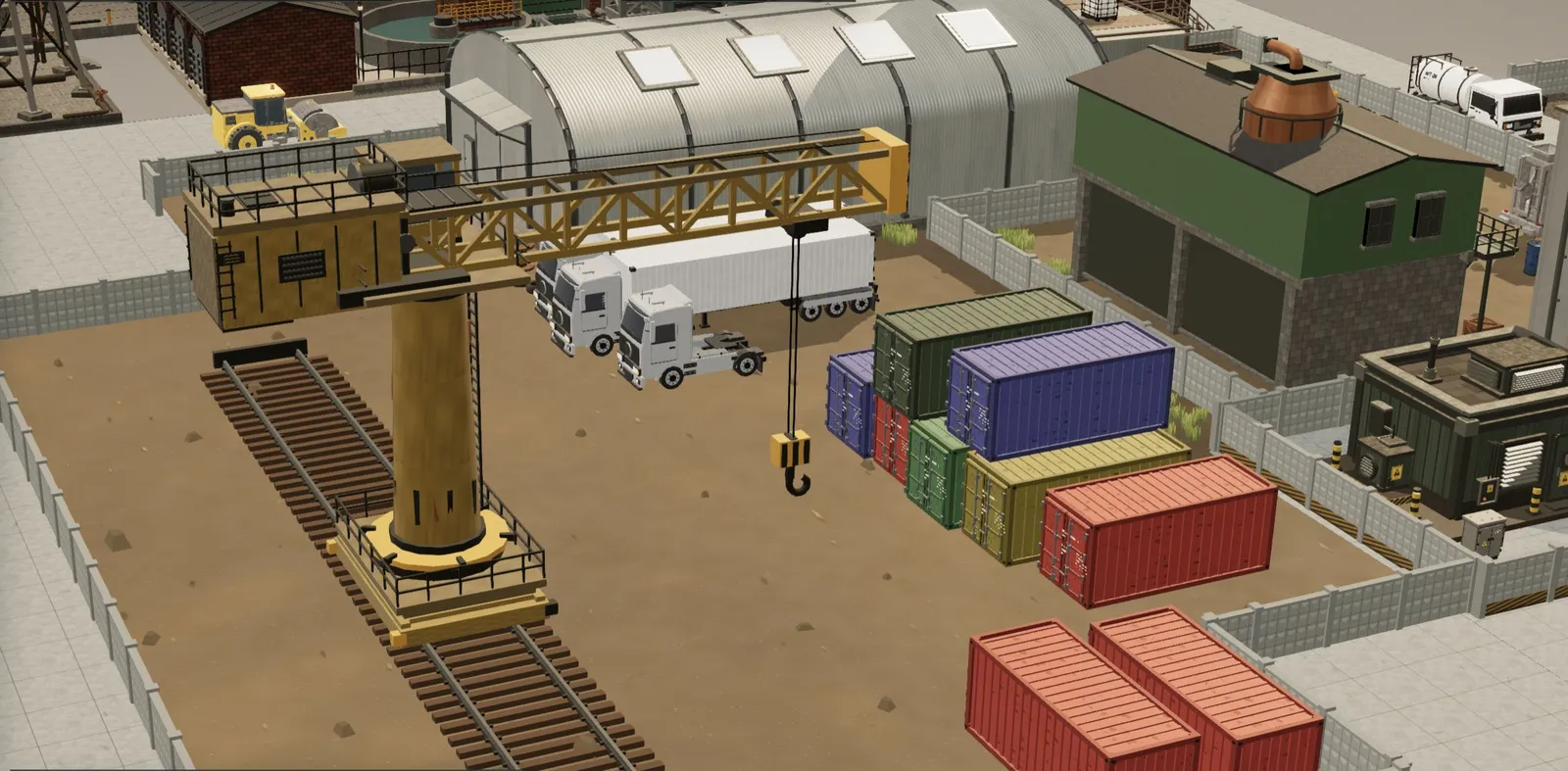
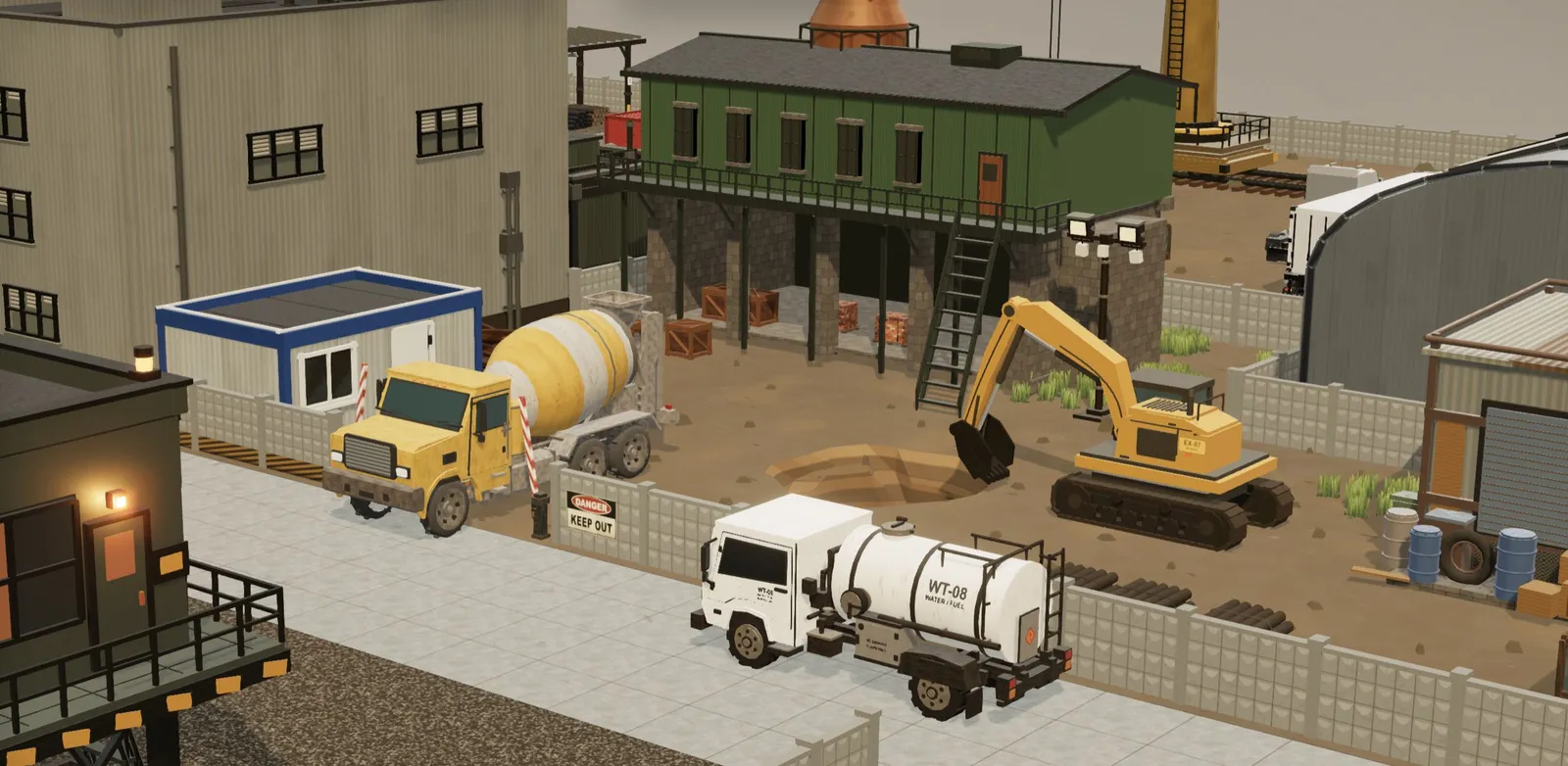
The Industrial pack is 71 models for $39. Out of the box these are Industrial Three.js assets, with Draco-compressed GLBs and React Three Fiber components, but the uncompressed copies work just as well in Unity, Unreal or Godot. The list reads like a shopping list for a mid-game factory map: Factory, Warehouse, Boiler House, Power Station, Cooling Tower, Substation, Water Treatment Building, Spherical Storage Tank, Vertical Storage Tank, Water Tower, Pipe Rack, Pipe Stack, Solar Panel and Wind Generator. On the vehicle side there is a Forklift, Semi Truck, Excavator, Crawler Crane, Rail Crane, Concrete Mixer Truck and Road Roller, plus fences, barriers, signs, pallets, barrels and shipping containers to fill the gaps.
Some sizes, straight from the model pages: the Cooling Tower is about 25 m tall and 8,280 triangles. The Warehouse is 35.7 m long and only 2,034 triangles. The Rail Crane spans 48.8 m. Across the pack, the median model is 1,764 triangles and the heaviest is 22,430. That is light enough to place a few hundred of them in a scene, which is the whole point of a factory map.
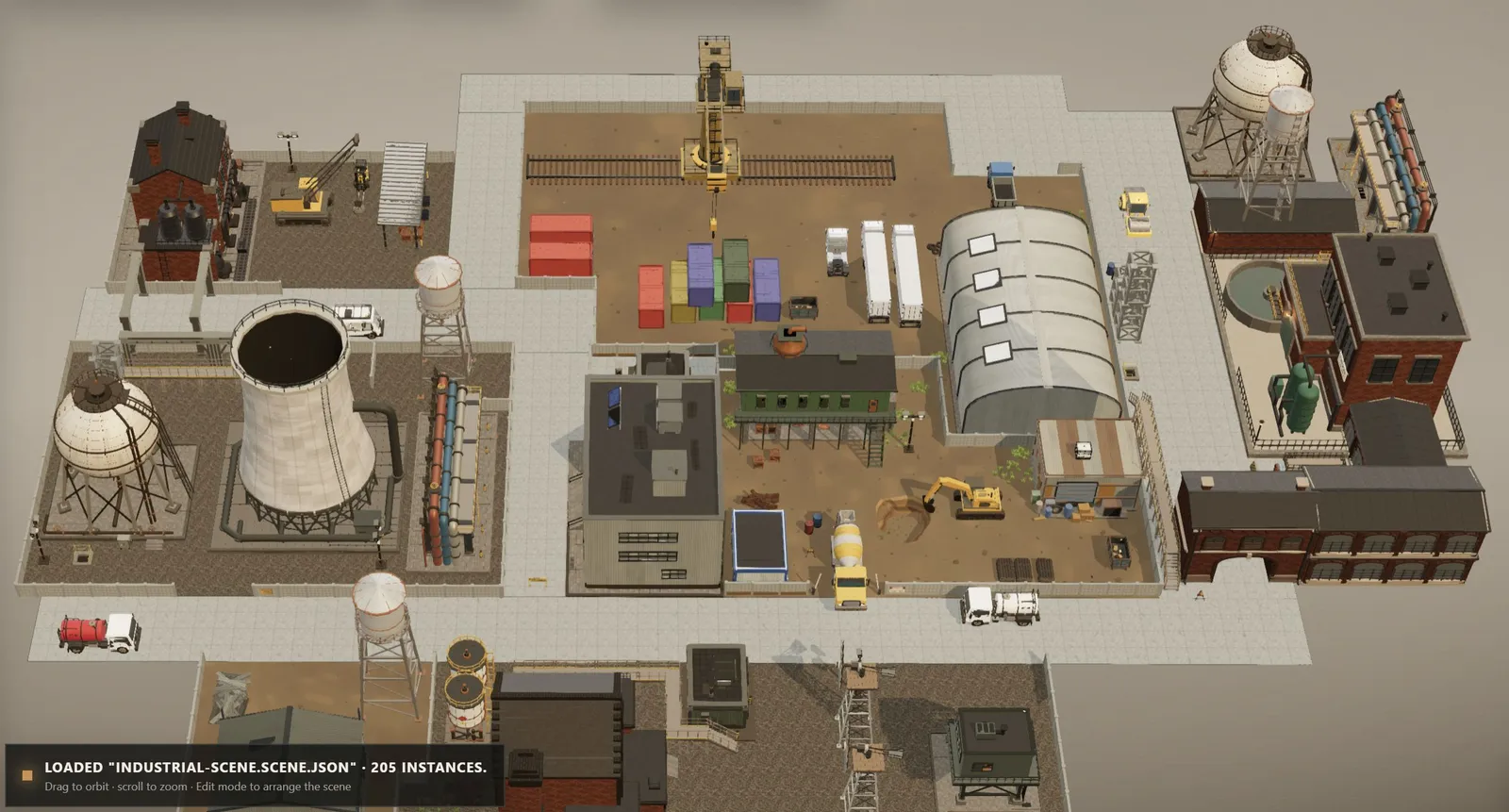
The pack also includes a ready-made industrial yard scene as a single GLB. It contains 205 placements of 70 models, and each of those models is also in the ZIP as a separate file. As a reference layout it is handy: you can see how the pieces are meant to sit together before you start placing your own.
The style is clean, semi-realistic low poly with PBR materials: brick, corrugated metal, concrete, a bit of rust. It would sit comfortably next to the look of Captain of Industry or Transport Fever 2, rather than the gritty realism of a AAA title or the flat colours of shapez 2.
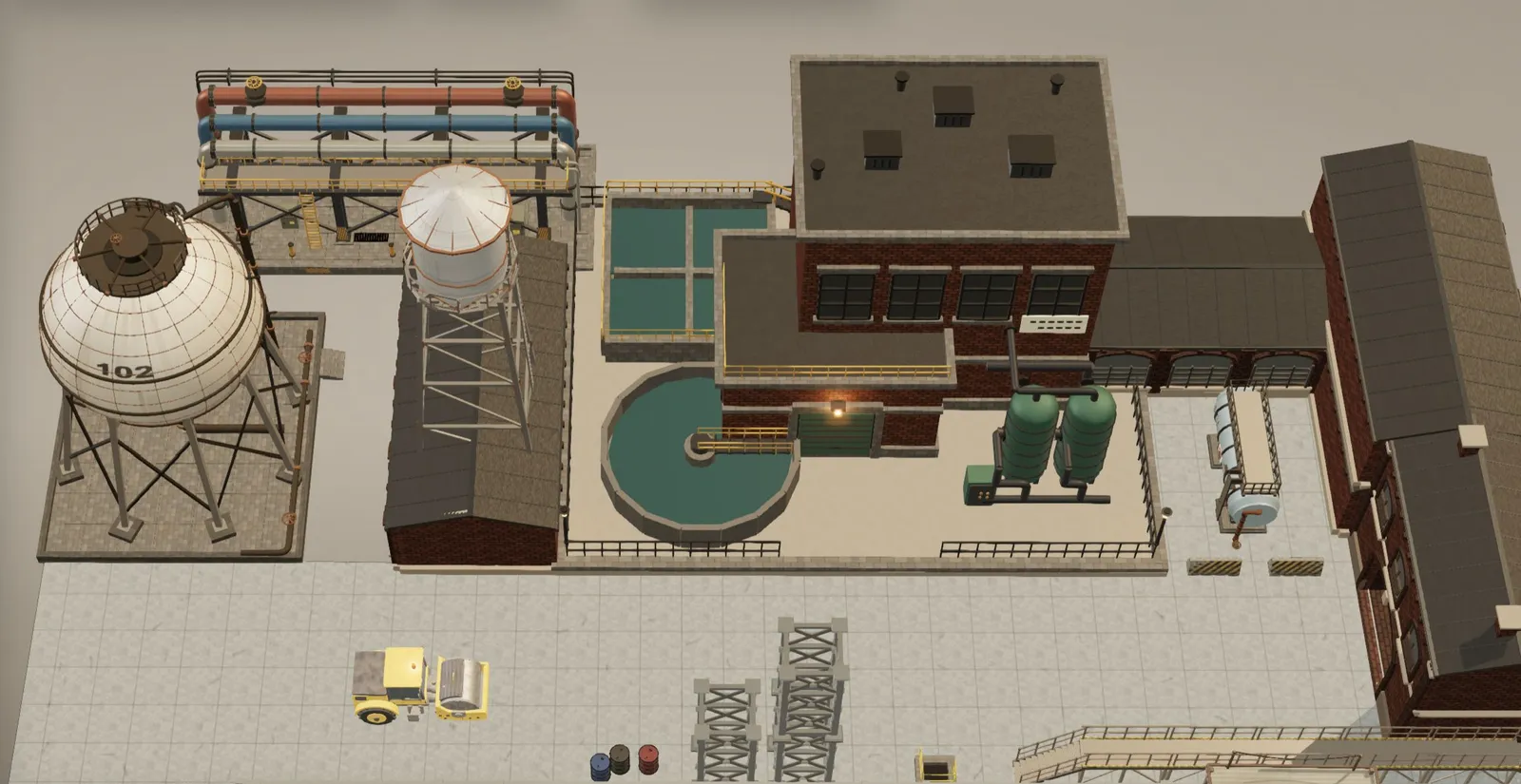
One limitation worth knowing: Industrial models are finished models, not parametric ones. You cannot change their size or colours in the site's browser editor the way you can with some other packs. You recolour them in Blender or in your engine, which is easy enough with standard PBR materials. Unity users also get a ready URP package from their account.
What is missing for automation games
This is the part that matters most if you are building something in the spirit of Factorio or Satisfactory. The Industrial pack gives you the industrial site: the buildings, the tanks, the rail and the trucks. It does not give you the production line.
There are no conveyor belts, splitters, inserters, assemblers, smelters or miners anywhere in the catalog. If your game is about watching items move between machines, you will still need to model or source those core pieces yourself. The packs work best as the world around your factory: the backdrop buildings, the outposts, the logistics yard, the props that make a map feel inhabited.
That is not a criticism of the shop so much as a scope note. The pack is called Industrial Architecture for a reason. Go in expecting a factory district, not a factory game kit.
Technical details that actually save time
Every model ships as glTF 2.0 in two versions. The web copy uses Draco-compressed geometry and WebP textures. A second folder, dcc/, has plain geometry and PNG or JPEG textures for Blender, Unity, Unreal Engine 5 and Godot 4. That split is sensible: browser projects get small files, and engine projects avoid the Draco decoding headaches some importers still have. The site's import guide for Blender, Unity, Unreal and Godot covers what each importer does with these files.
The conventions are the same across all packs: 1 unit equals 1 metre, +Y is up, models face −Z, and the pivot sits on the ground footprint. In practice, a building drops onto a grid at y = 0 and sits there. If you have ever imported a free model that arrived lying on its side, 100 times too large, with its pivot floating somewhere in the roof, you know why this matters. The site has a separate guide on scale, axes and pivots if you want the reasoning per engine.
For web developers there is one more perk: each model comes with a typed React Three Fiber component. If you are prototyping a browser factory game in three.js, that removes a step.
Sci-Fi Vehicles and the other packs
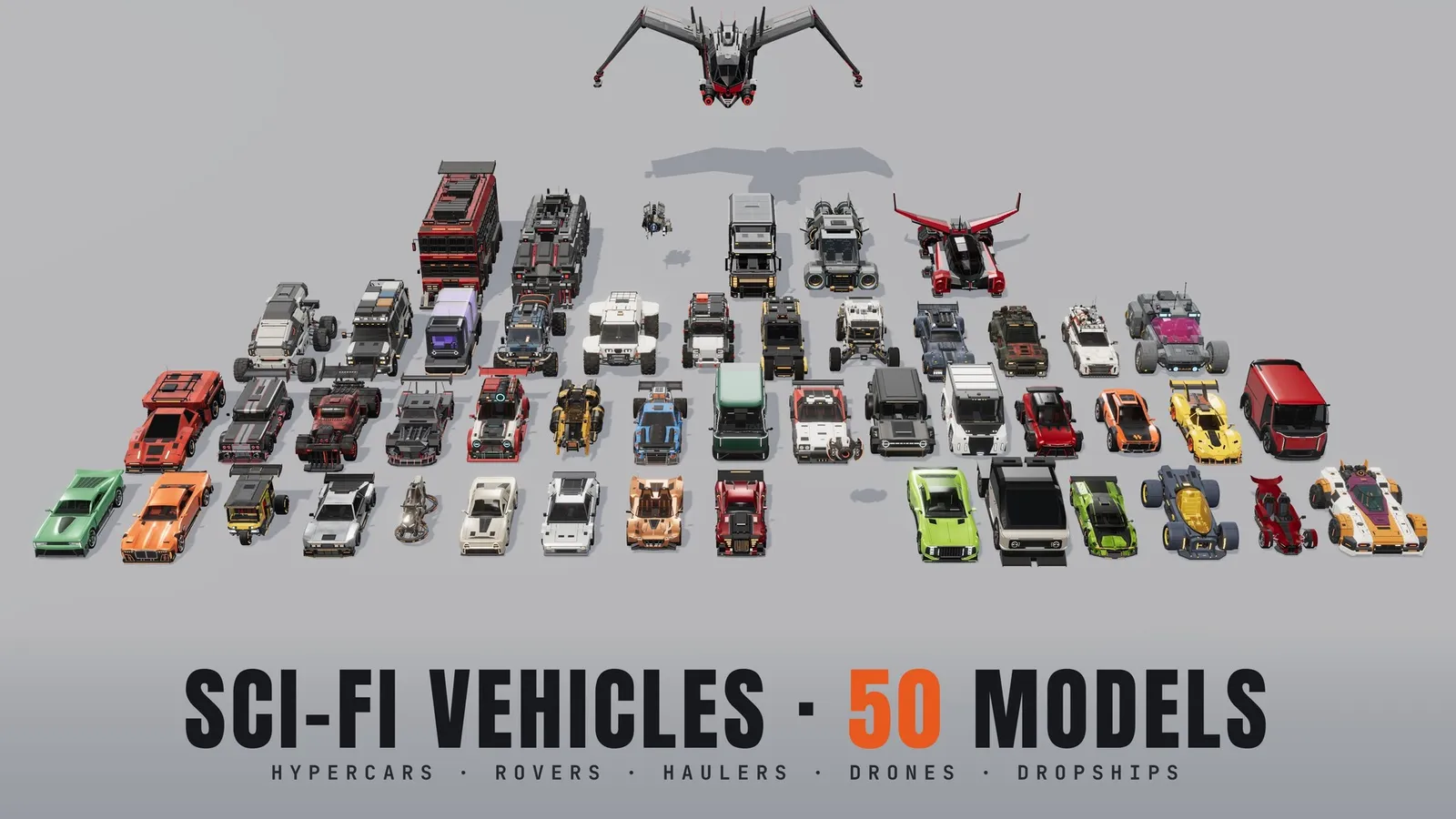
If your factory game is set on another planet, the Sci-Fi Vehicles pack ($50, 50 models) is the second one to look at. For automation purposes the interesting models are the haulers, rovers and drones: Hover Hauler, Nova Hauler, Ram Hauler, Six-Wheel Rover, Rover Crawler, Flatbed Crawler, Sci-Fi Cargo Van, Orb Drone and Warden Drone. Think of the logistics drones in Dyson Sphere Program, or the rovers that would service remote outposts in a planetary factory game.
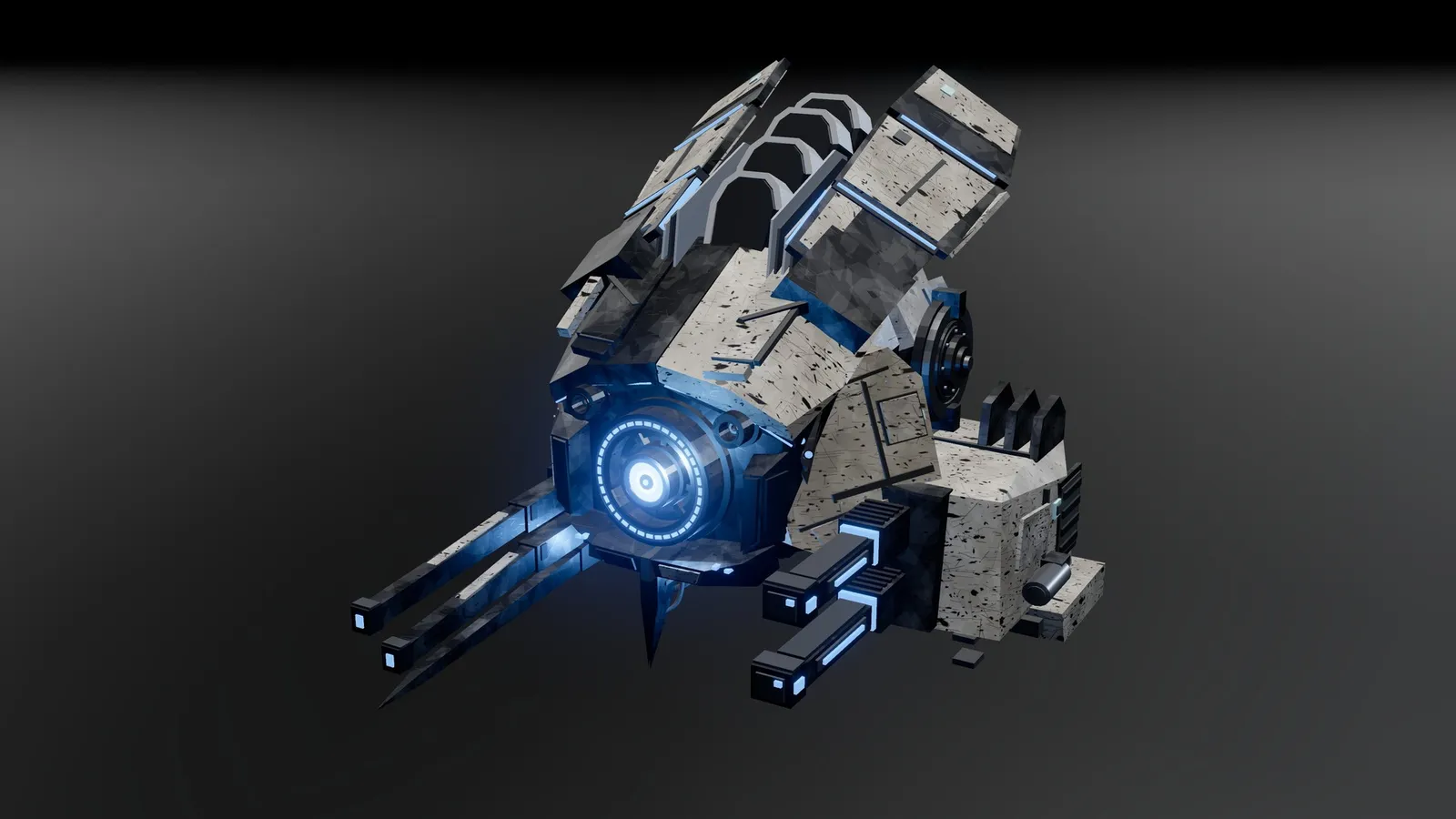
These are much heavier than the Industrial models: the median vehicle is 34,500 triangles and the largest is 75,507. Fine for a handful of hero vehicles, too much for a swarm of two hundred delivery drones without making your own LODs. Paint colours are editable, crewed vehicles have armoured versions, and the GLBs keep named parts (wheels, doors, hatches) with animation clips. There is no driving or flight controller included, so movement is still your job.
Two more packs are worth a mention for smaller or cosier projects:
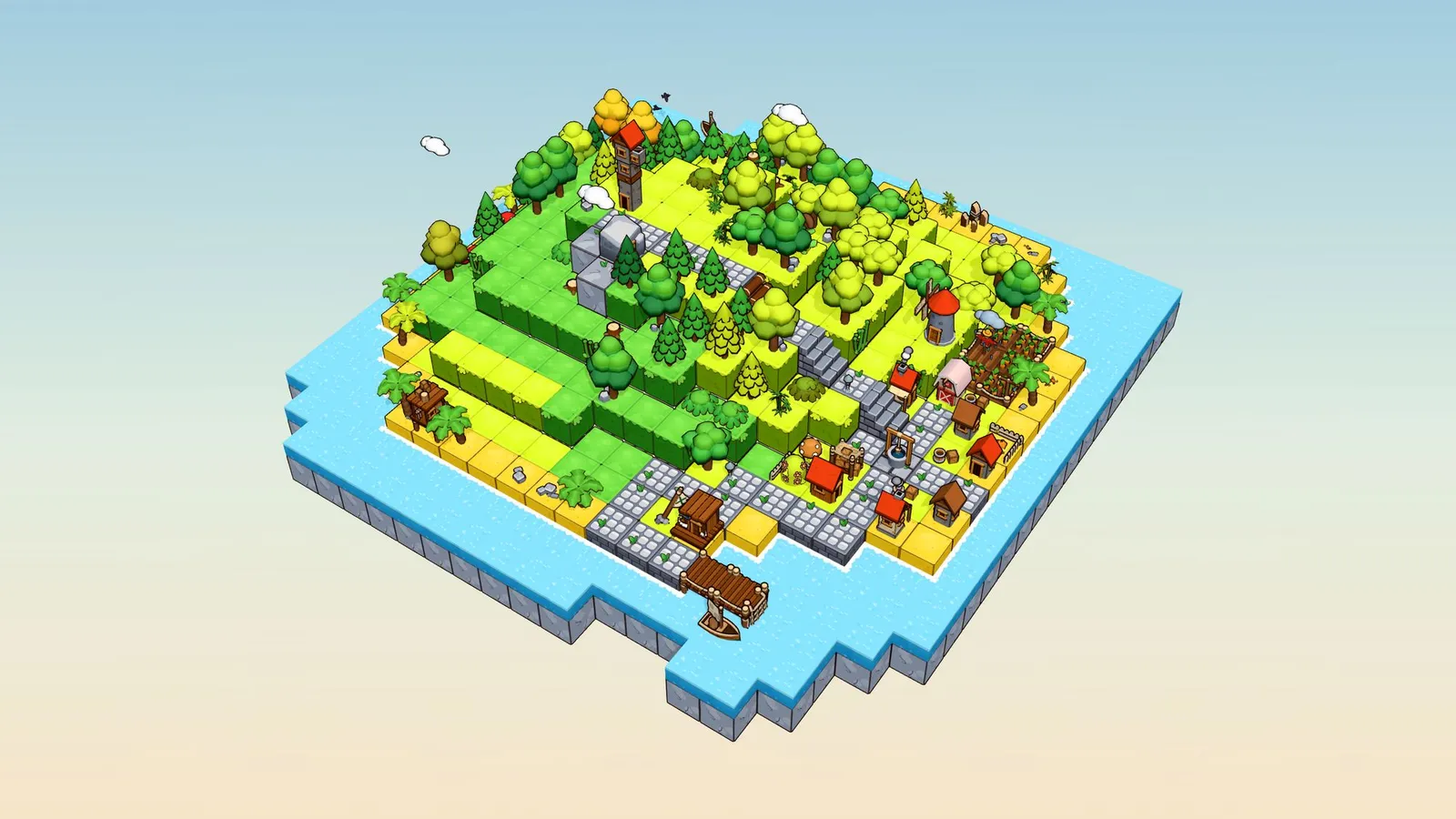
- Tiny Cubes ($29, 171 models): a stylised miniature cube world with terrain, buildings, vehicles and animated props, plus fourteen ready-made scenes. Almost every model is parametric, and each one also ships without the black outline for custom toon shaders. Good fit for a compact, readable factory puzzle game.
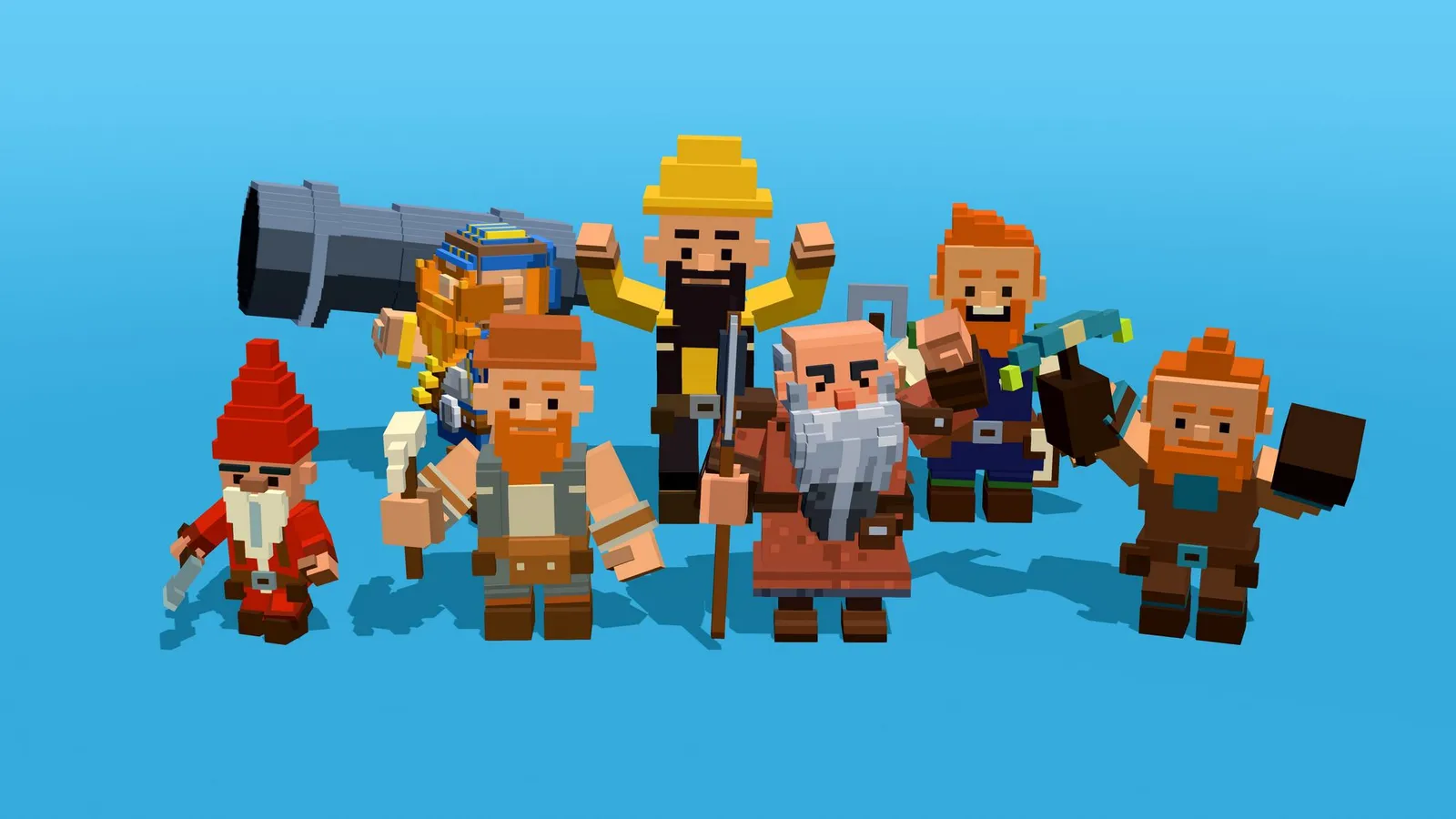
- Blocky Characters ($39, 100 models): rigged voxel-style characters, including a dwarves and miners group, each with ten animation clips on a 65-bone Mixamo-compatible skeleton. Useful if your automation game has workers rather than robots.
License and price, plainly
The license is royalty-free and covers commercial and personal projects of your own: games, apps, films, renders. You can modify the models and you do not have to credit anyone. You cannot resell or redistribute the files as they are, put them inside a competing asset library, or use them to train or fine-tune a generative model. The full license text is short and readable.
This is not CC0, so it is not the same deal as free kits from Kenney or Quaternius. The site compares itself to Kenney and Quaternius, and to Synty, in its own guides, which is a fair way to see the trade-off: free and very generic on one side, paid and more consistent on the other.
On price, Industrial on its own is $39. If you also want Sci-Fi Vehicles, you are at $89, and at that point the $95 all-access option is the obvious buy. Refunds are offered within 14 days if a file is broken or not as described, so it is not a no-questions return policy.
Who it is for
A good fit if you are prototyping a 3D factory, logistics or colony game and want the world around it to look finished early. The real-metre scale and grounded pivots make the Industrial pack much faster to work with than a pile of mixed free models. It is also a strong pick for three.js or React Three Fiber projects, which few asset shops cater to this directly.
Not the right tool if you need the machines themselves, a 2D or top-down sprite style, or completely free assets. In those cases you will still be modelling belts and assemblers yourself, or looking elsewhere.
Our suggestion: grab the free samples first, open a couple of Industrial model pages to check sizes and triangle counts against your own grid, and only then decide between the single pack and the full library. If the art in your factory prototype is still grey boxes, this is one of the quicker ways to fix that. And if you are still looking for ideas on what to build, our list of the best factory games of 2026 is a decent place to start.